
How to delete your account
Goal
Permanently delete your BoodleBox account and all of its data.
Before you delete
Deletion covers everything: your account and all of its data (chats, bots, and knowledge files). You can't keep part of it.
It can't be undone. You're signed out right away and can't sign back in.
If you own a workspace, it's deleted along with your account, for everyone in it. If other people rely on it, reach out through our contact form before you delete.
If you have a paid personal subscription, deleting your account ends it right away.
Quick path
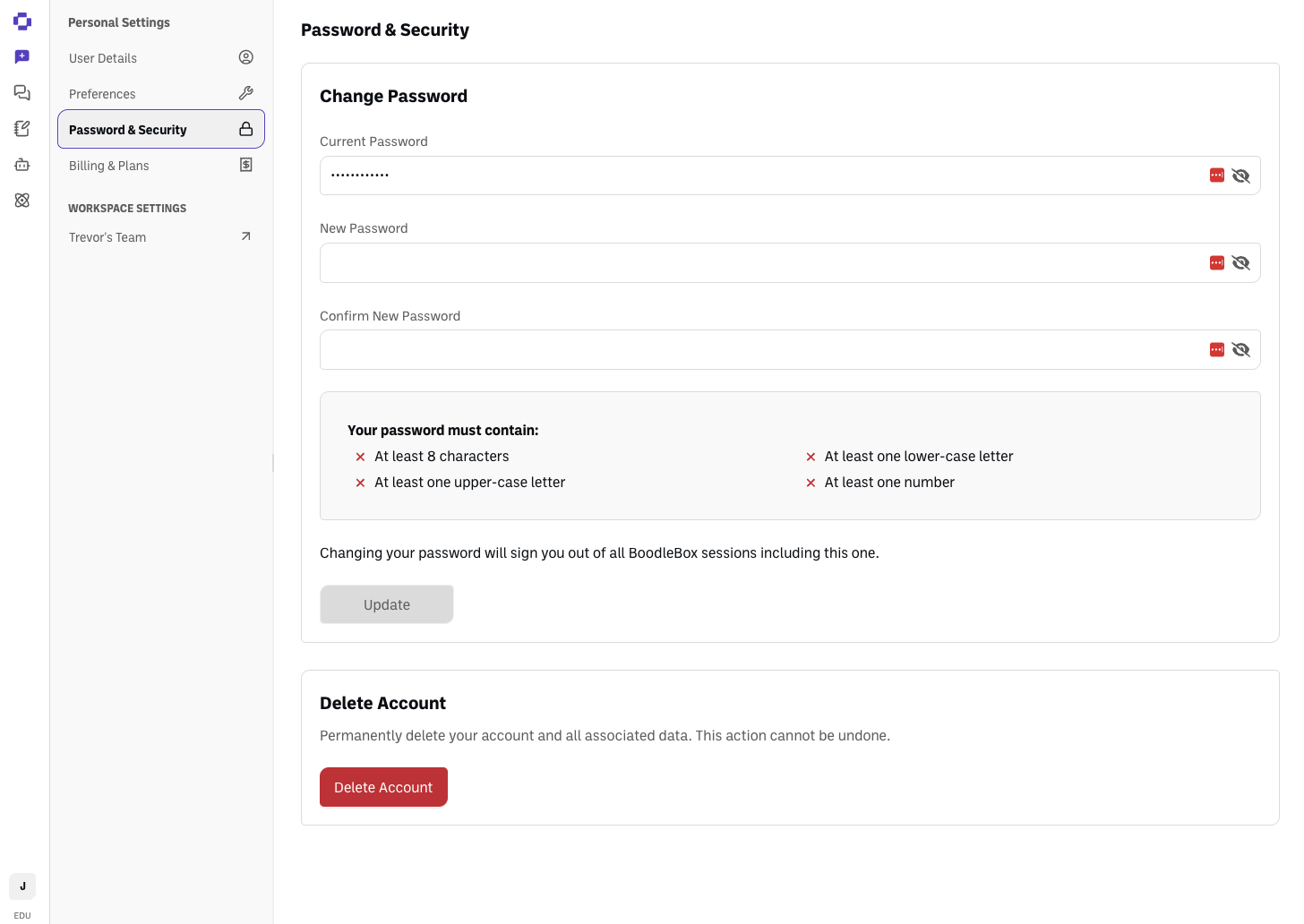
Personal Settings → Password & Security → Delete Account.
Step-by-step
Click your initials in the bottom-left corner and go to Personal Settings.
Open Password & Security.
Click Delete Account, read the confirmation, and confirm.
What happens next
You're signed out immediately. All of your data is removed within 30 days.
Questions?
Reach out through our contact form. For data-privacy specifics, email compliance@boodle.ai. See also Understanding data retention policies.