
Reset your password
Goal
Reset your BoodleBox password if you've forgotten it or can't sign in.
Quick path
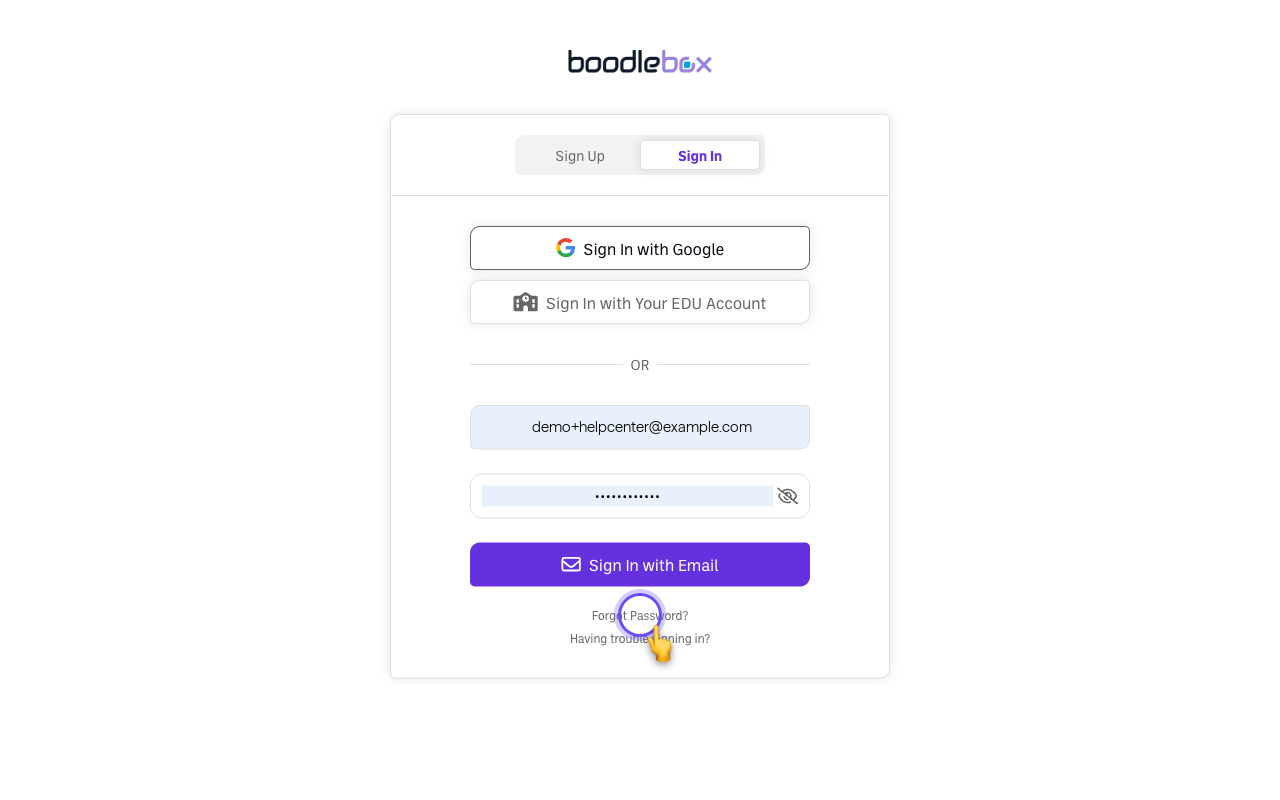
- On the sign-in page, click Forgot Password?
- Enter your email.
- Follow the reset link sent to your inbox to set a new password.
Step-by-step
-
Go to the sign-in page at box.boodle.ai (Sign In tab).
-
Click "Forgot Password?" below the password field.
-
Enter your email and submit. BoodleBox emails you a reset link.
-
Open the email and set a new password. It must be at least 8 characters with an uppercase letter, a lowercase letter, and a number.
Verify it's working
- You can sign in with your new password.
Still stuck?
If the reset email doesn't arrive, check spam and see What to do if your verification code isn't arriving. Trouble signing in another way? The sign-in page also has a "Having trouble signing in?" link. Email success@boodle.ai — typical response within 8 business hours.