
How to switch the AI model you're chatting with
Goal
Switch to a different AI model in the middle of a chat. Your conversation continues with the new model from your next message on.
Quick path
- Look at the model name at the bottom of your chat input.
- Click it to open the model picker.
- Click any model to select it — the name updates and your next message goes to it.
Step-by-step
-
Find the current model. The name at the bottom-left of your chat input (for example, BoodleBot) is the model your next message will go to.
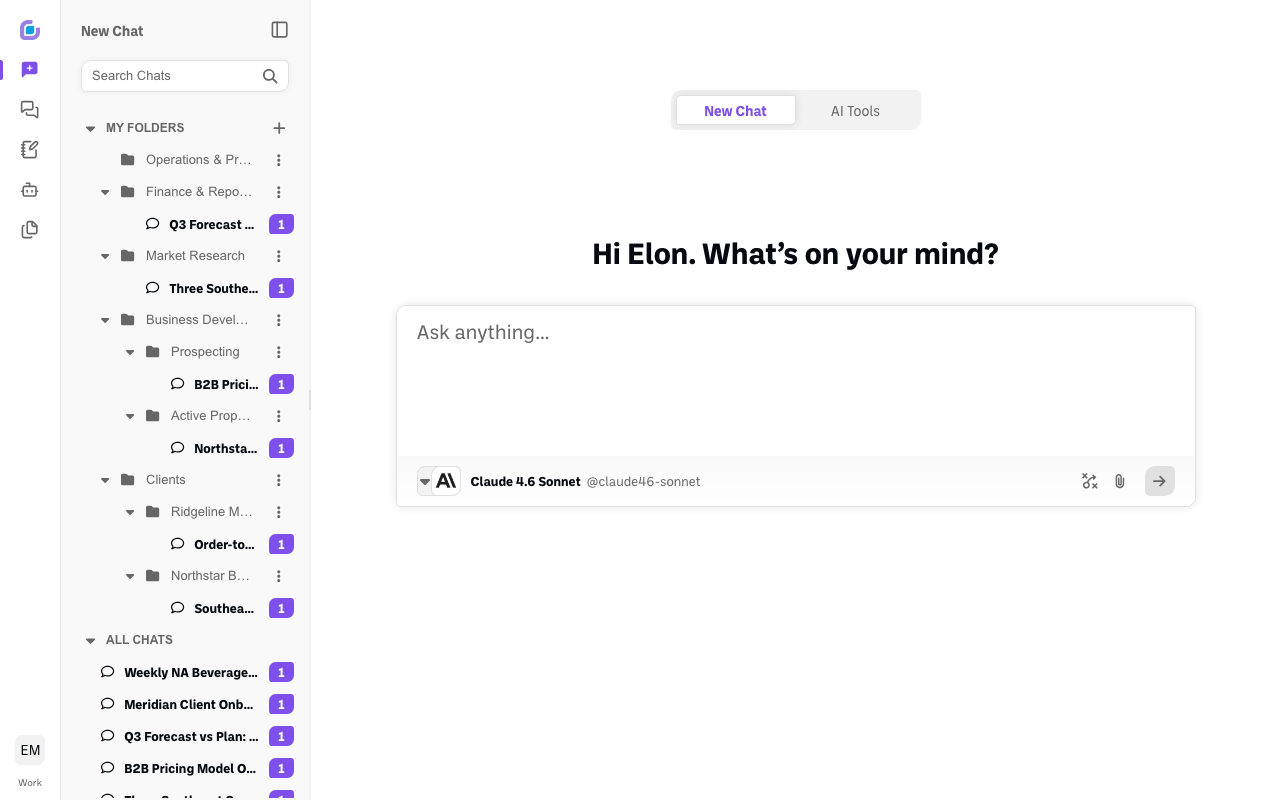
-
Open the picker. Click the model name. A picker opens listing your Favorites and the most popular models, grouped into Favorites, Premium, and Free Use. You can also browse by tab on the left — AI Models, Boodle Bots, Custom Bots, Discover — or type in the Search box to find a specific one. (Premium models are paid-tier; Free Use models are available at no additional cost.)
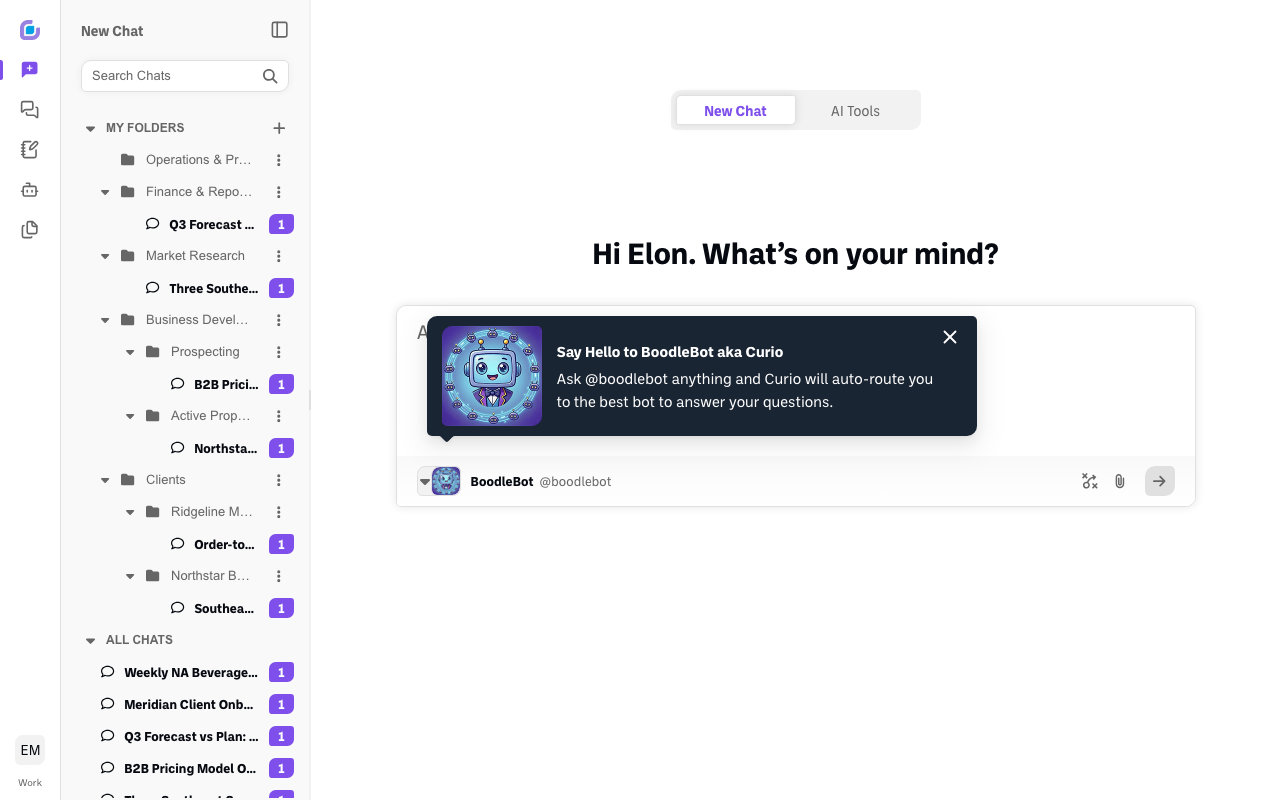
-
Pick a model. Click any model card. The picker closes and the model name at the bottom of your chat input updates.
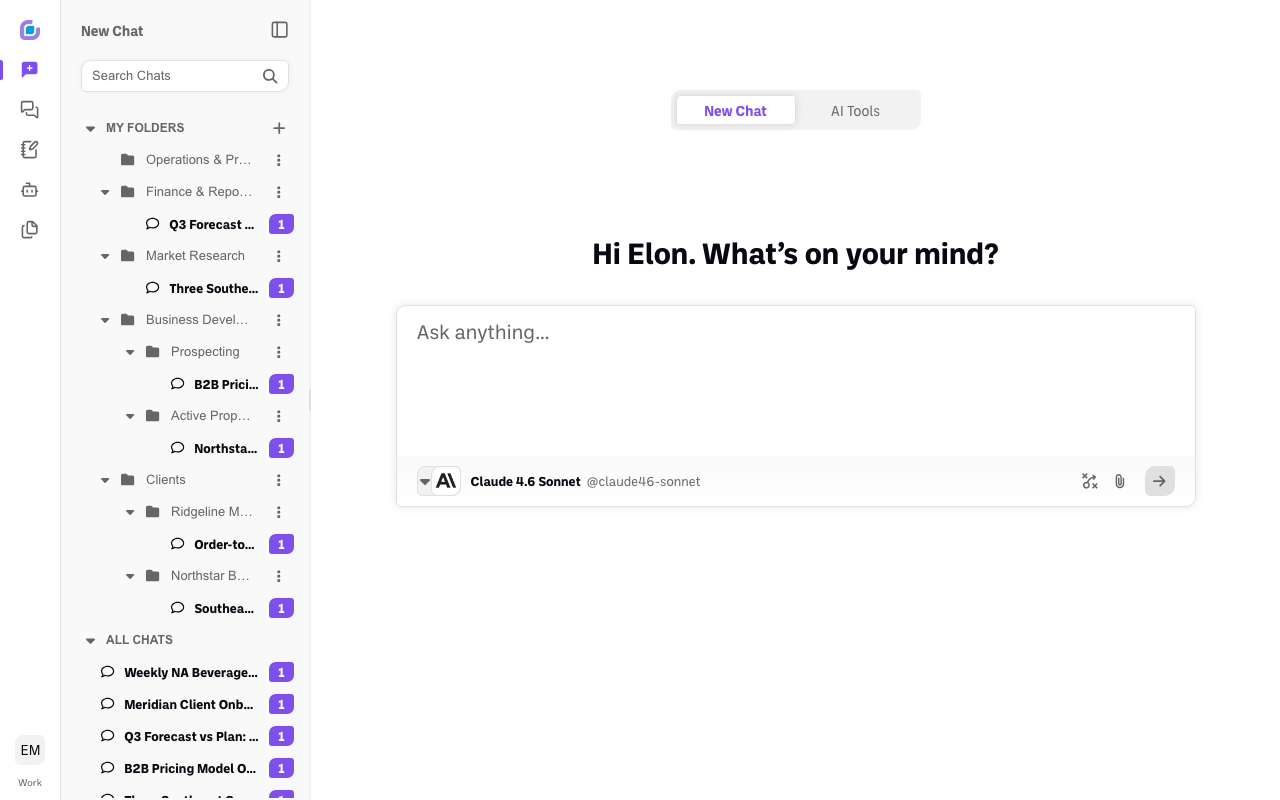
Browse every model by provider
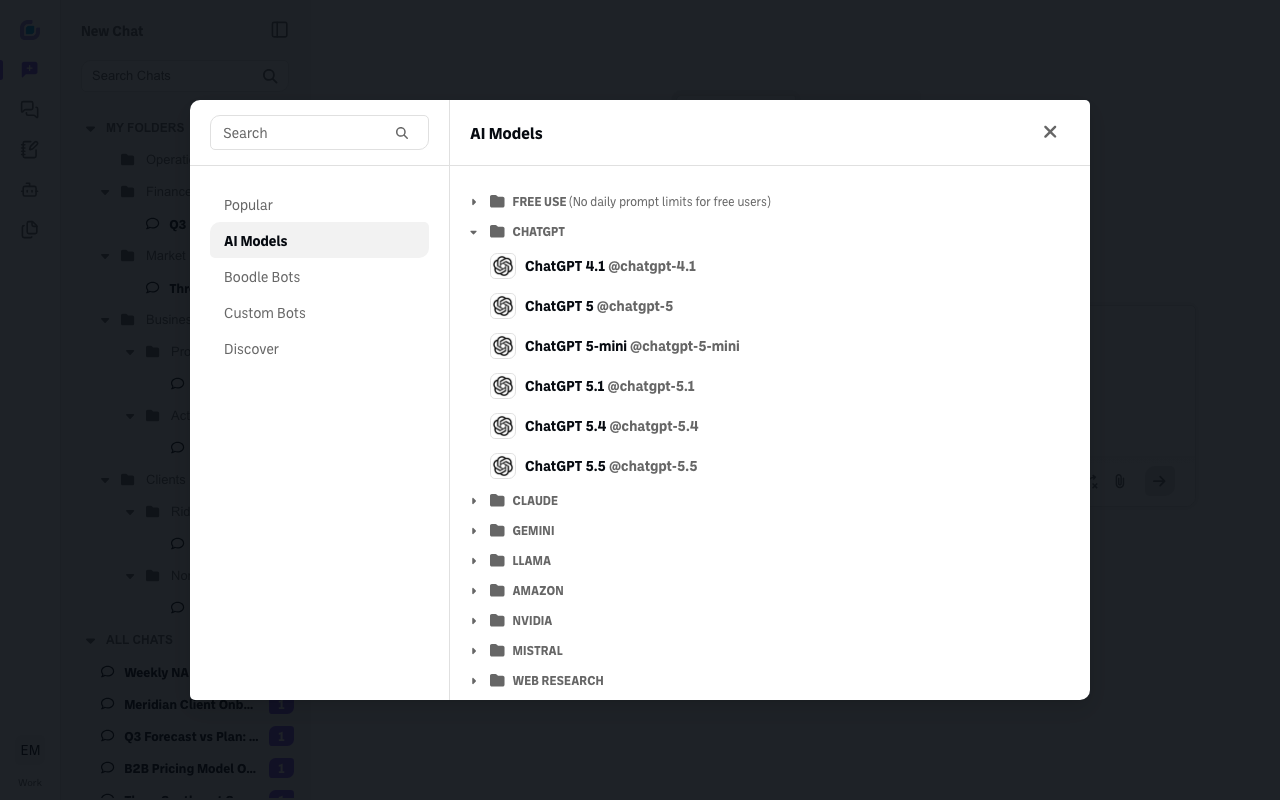
Looking for a specific model? In the picker, open the AI Models tab on the left to see every provider — ChatGPT, Claude, Gemini, Llama, and more.
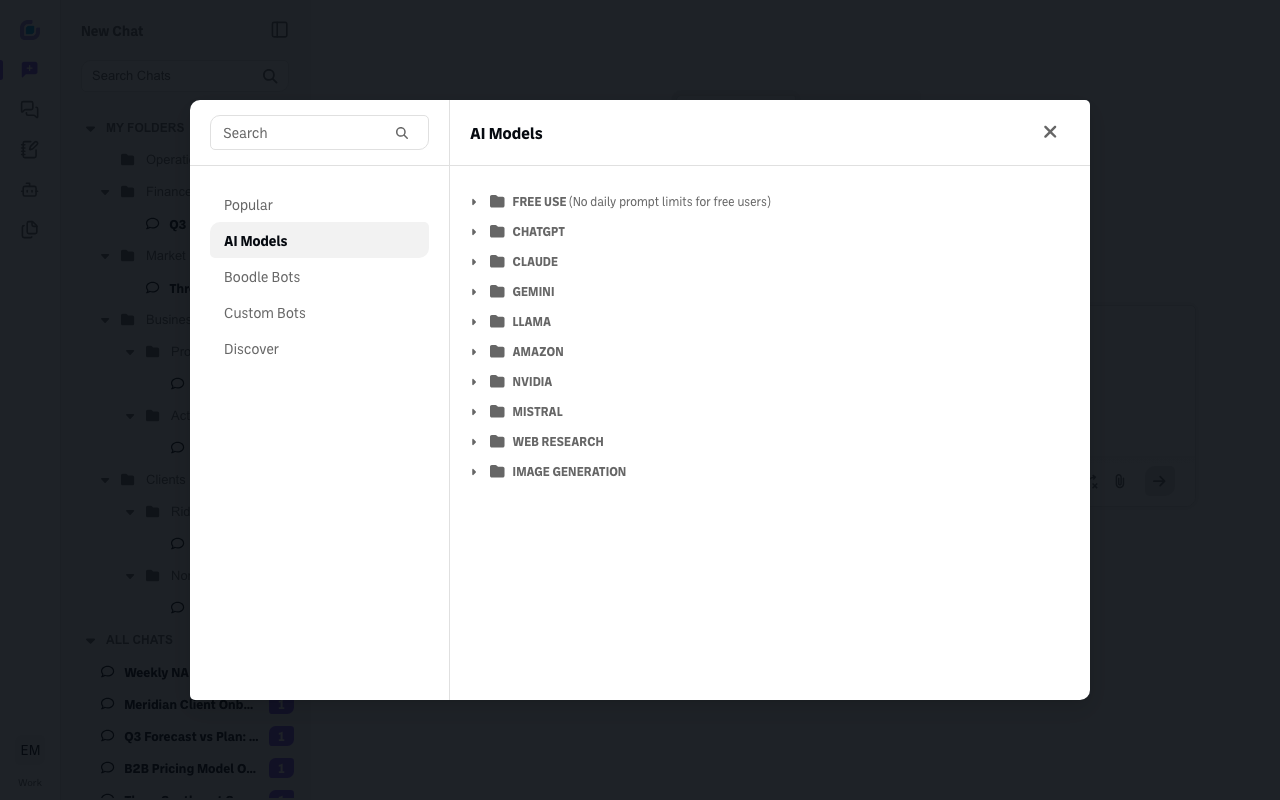
Click a provider — for example, ChatGPT — to expand it and see all of that provider's models (ChatGPT 5, 5-mini, 5.1, 5.4, 5.5). Then click the exact one you want.
Verify it's working
- The model name at the bottom of your chat input shows the model you picked.
- Your next reply comes from that model.
Still stuck?
Want several models in one conversation instead of switching? See How to use more than one AI in the same chat. If a model won't switch, email success@boodle.ai with the chat link and what you expected — typical response within 8 business hours.