
How to sign in with SSO
Goal
Sign in to BoodleBox using your existing school account — no separate BoodleBox password needed. This works once your institution's IT team has set up the SSO integration.
Before you start
- Use your school email address — not a personal Gmail or other address.
- If your school just set up SSO (within the last 24 hours), your account may not be active yet — try again the next day.
Steps
-
Go to the BoodleBox sign-in page at box.boodle.ai — or click the BoodleBox link inside your school's LMS (Canvas, Brightspace, Blackboard, etc.).
-
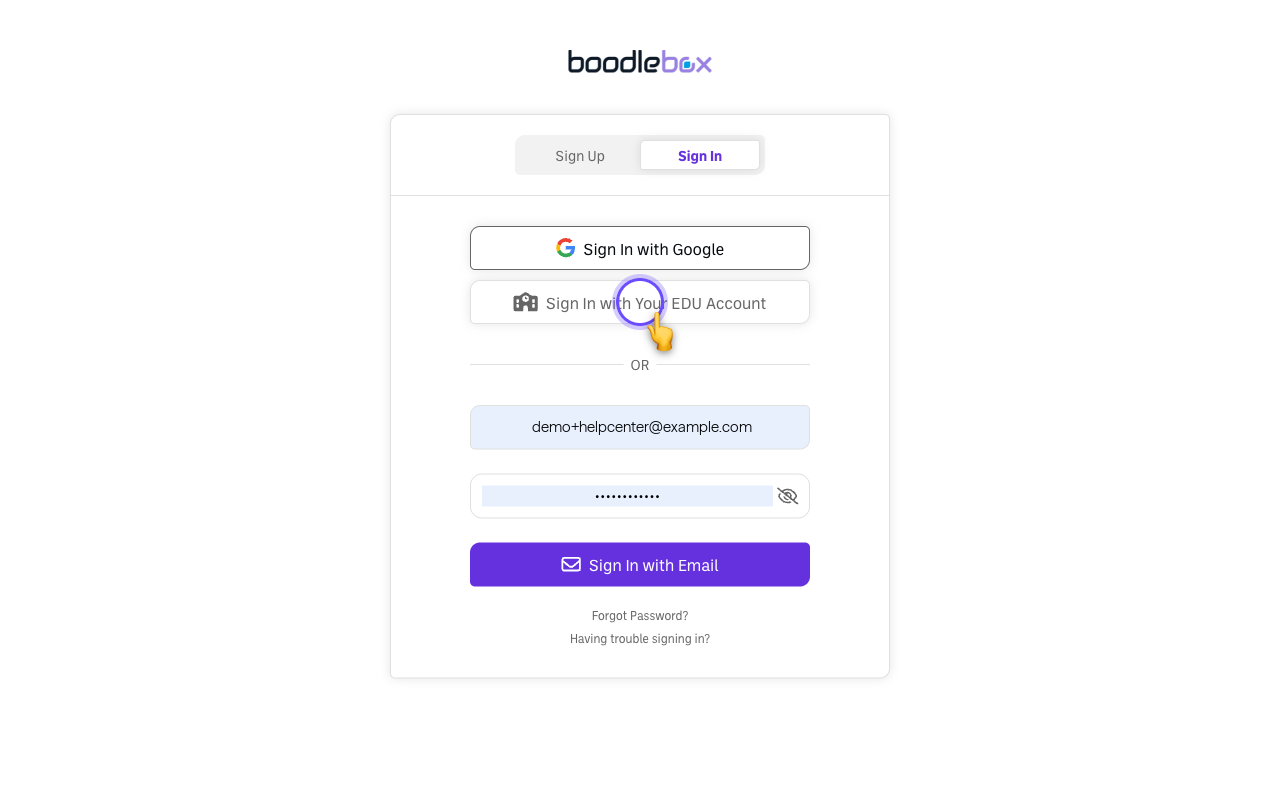
Click the SSO button — usually labeled "Sign In with Your EDU Account", next to "Sign In with Google."
-
Search for your school by name.
-
Complete your school's sign-in. You'll be redirected to your institution's familiar login page (including any usual two-factor prompt), then land in BoodleBox.
- If you're launching from a course link inside your LMS and your school has completed the full integration, you may skip the sign-in screen entirely.
Already have a BoodleBox account?
If you previously created a BoodleBox account with the same school email, SSO automatically connects to it — your chats and work stay intact. If your old account uses a different email address, see How to change your email address and update it before signing in with SSO.
Common issues
- 400 error or "not shared" message → your account hasn't been provisioned yet. Contact your institution's IT department or BoodleBox admin and ask to be added to the BoodleBox team.
- "Account not found" and your school just set this up → new integrations take up to 24 hours to fully activate. Try again the next day.
- Your email isn't recognized → make sure you're using your school email. If your name or email recently changed at your institution, your admin may need to update the roster — there can be a short delay before changes take effect.
- You ended up with two accounts → email success@boodle.ai and we'll help you update your account.
Still stuck?
- First, check with your school's IT department or BoodleBox admin — most sign-in problems are fixed by updating your school's roster.
- Email success@boodle.ai — typical response within 8 business hours. See also Troubleshooting SSO and sign-in errors.