
How to log into BoodleBox
Goal
Sign in to BoodleBox so you can use your chats, bots, and Knowledge Bank.
Quick path
- Go to box.boodle.ai.
- Sign in with email + password, Continue with Google, or Sign In with Your EDU Account (SSO).
- If your school uses teams, pick your institution from the team menu.
Step-by-step
-
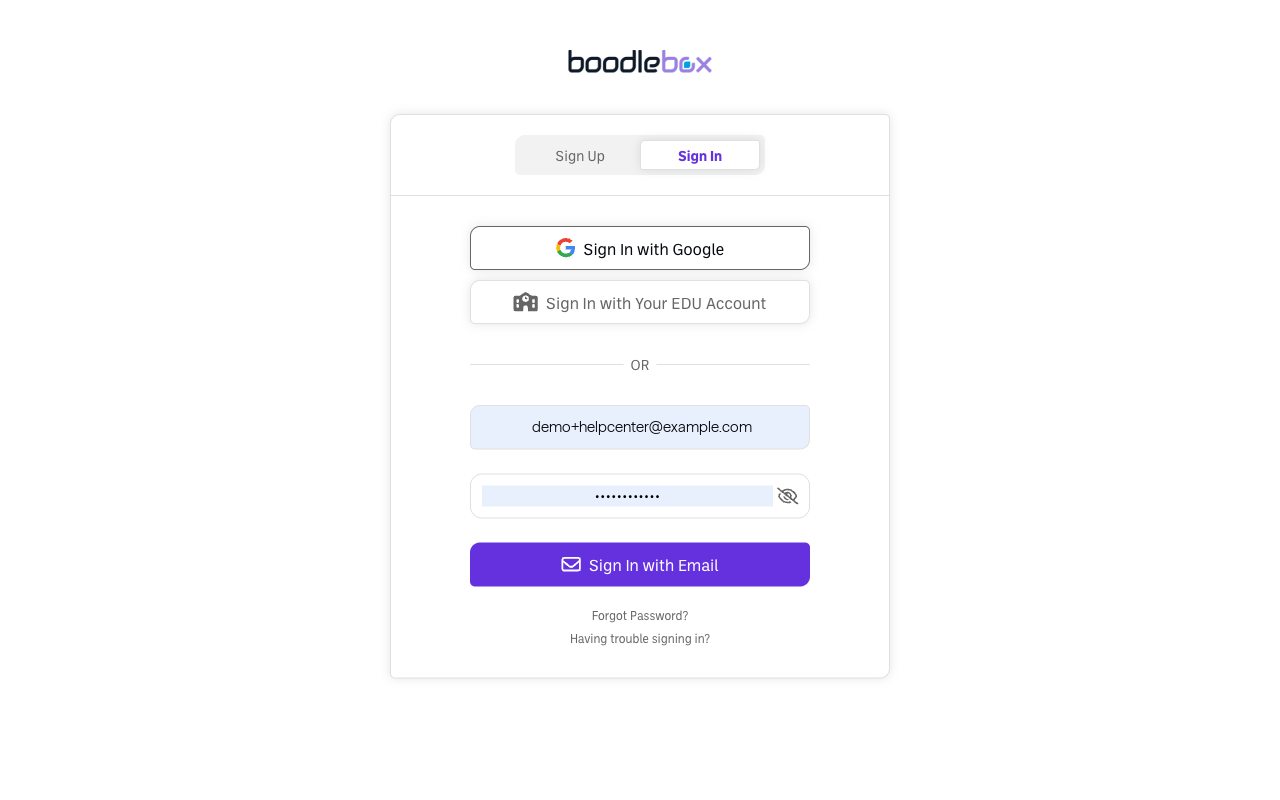
Open the sign-in page at box.boodle.ai and choose the Sign In tab.
-
Choose how to sign in:
- Email + password — enter your email and password.
- Continue with Google — use your Google account.
- Sign In with Your EDU Account — institutional SSO, if your school has set it up (see How to sign in with SSO).
-
New here? On the Sign Up tab, create an account and verify your email with the code sent to you (see What to do if your verification code isn't arriving).
-
Confirm your team. If you're part of an institution, check that your institution's workspace is selected and not your Personal Account — click your initials at the bottom-left and look for the check mark.
Verify it's working
- You land in the chat home ("Hi [Name]…") and your institution's team is selected if you have one.
Still stuck?
Can't get in? See Reset your password and What to do if your verification code isn't arriving. Email success@boodle.ai — typical response within 8 business hours.